You can now connect your own apps to Spark AI
With Integrations, you connect your own app, such as your CRM or a tool you built yourself, to Spark AI. The assistant retrieves data from it and carries out actions once you confirm them.
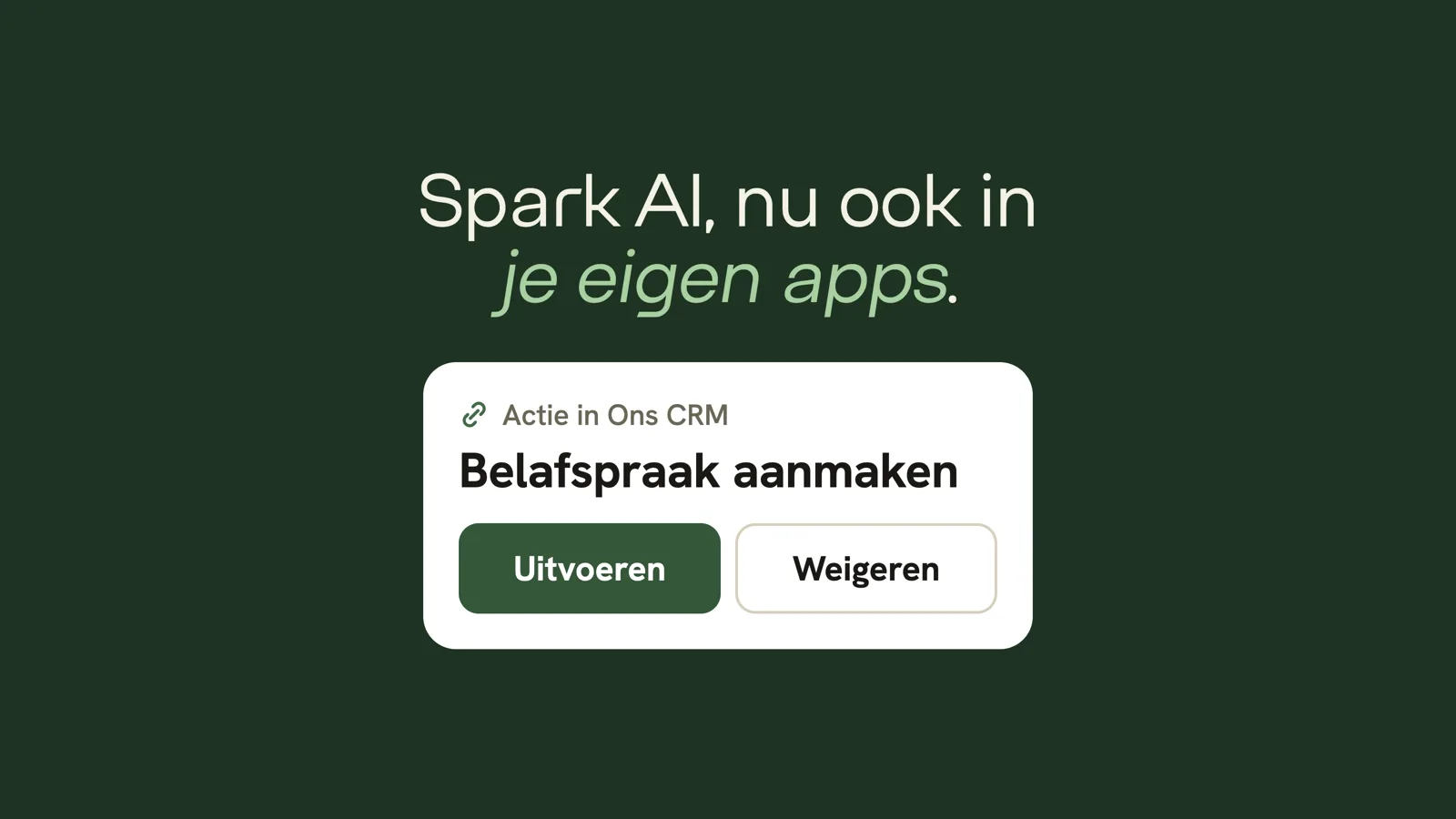
From now on, you can connect your own apps to Spark AI. Think of your CRM, a planning tool or an app you built yourself with a coding agent. Spark AI retrieves data from it and can also do things in it, but it only carries out an action after you have confirmed it. Integrations are part of the Developers module, which is included in every package.
One question across all your systems
Spark AI knows your sales, purchasing, stock and auction prices. But part of your work lives in other systems: agreements with customers in your CRM, tasks in a planning tool, your own app for the sales reps on the road. With an integration, you combine them in a single question.
Take "Which customers bought less than usual last month? Schedule a call with each of them in our CRM." Spark AI looks up the figures in your FloraSpark data and then proposes to create the appointments. In the chat, you see exactly which data it wants to send, with buttons to run or decline the action. Nothing happens until you choose.
How to set up an integration
Your app offers an MCP server. MCP is the open standard that AI assistants use to talk to other software. If you don't have one yet, you don't need to write it yourself:
- In the Suite, under Developers > Integrations, you will find a build prompt. Paste it into the coding agent you use to build your app, such as Claude Code, Cursor or Lovable. The agent adds an MCP server that meets our requirements.
- Register the server and click Test connection. You see step by step what is in order. You can pass any message straight back to your coding agent.
- Choose per tool what Spark AI may use, and whether it is a read-only tool or an action.
You stay in control
- Everyone signs in with their own account. Each colleague connects their own account to your app. Spark AI can therefore never do more than that person can, and your app decides what that is.
- You approve every tool yourself. If a tool in your app changes, it disappears from Spark AI until you approve it again.
- You see where your data goes. Each answer shows which app Spark AI sent something to.
- Everything is logged. Tokens and keys are stored encrypted in a separate vault. Every call is kept in a log for 90 days, and for an action that includes the data and who confirmed it.
- One fixed address. Spark AI always calls your app from the same IP address, so you can restrict access to your server accordingly.
What it costs
Integrations cost nothing extra: the Developers module is included in every package. A question to Spark AI is deducted from the AI credit in your package, as always. Packages start at €400 per month, excluding VAT, with no implementation costs.