
Spark AI now in your own website or app
Your colleagues can now ask Spark AI their questions right where they already work: in your own app or in the system your team uses all day.
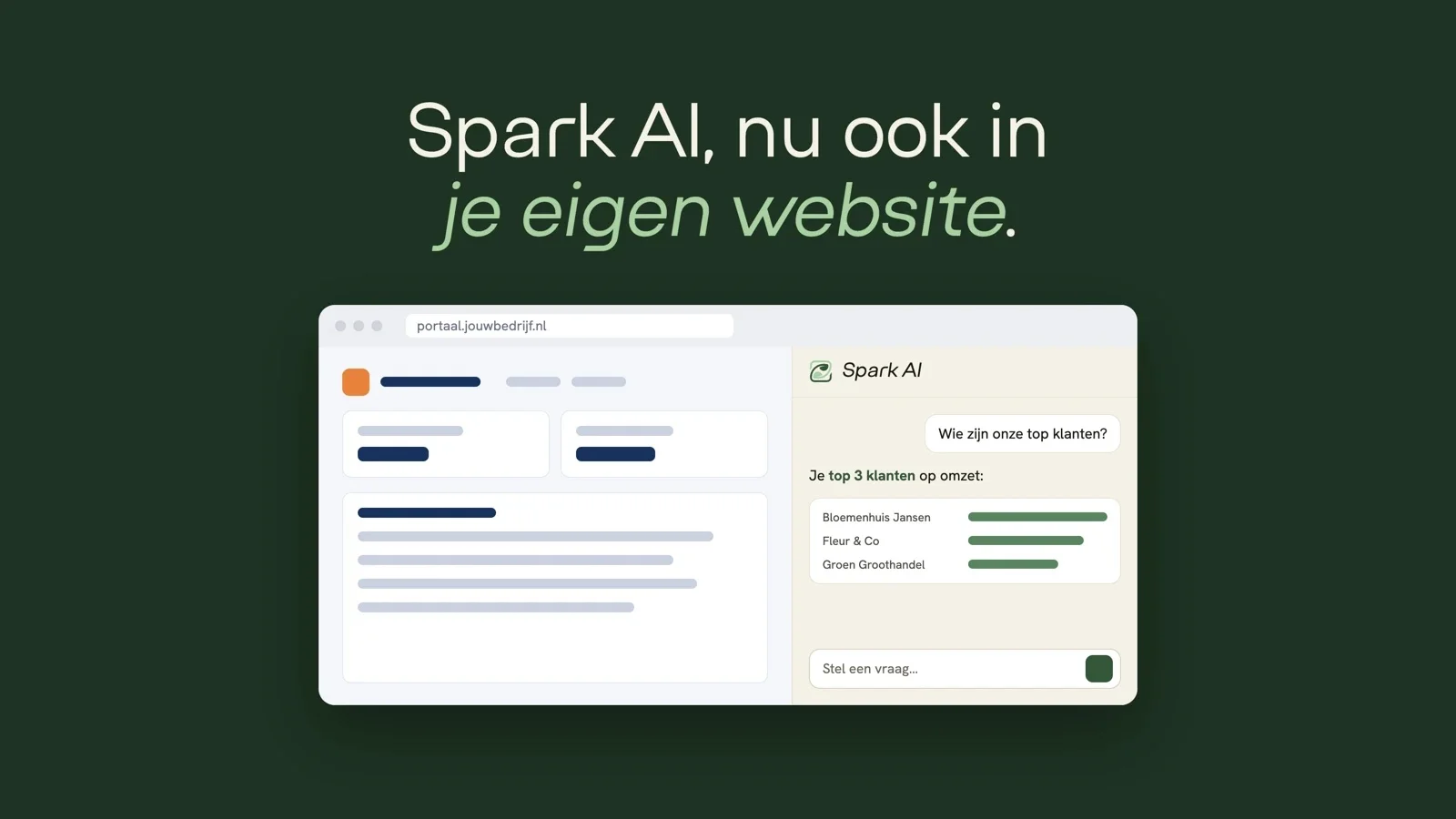
Not all of your colleagues work in the Suite. The sales rep works in your own order app, the planner in your planning system and the team lead on a tablet in the warehouse. From now on, Spark AI can be there too.
You can build the Spark AI chat window into your own website or app. It is the same Spark AI as in the Suite. Ask a question in plain language and get an answer from your own data, with tables, charts and follow-up questions, and watch the answer appear as it is written.
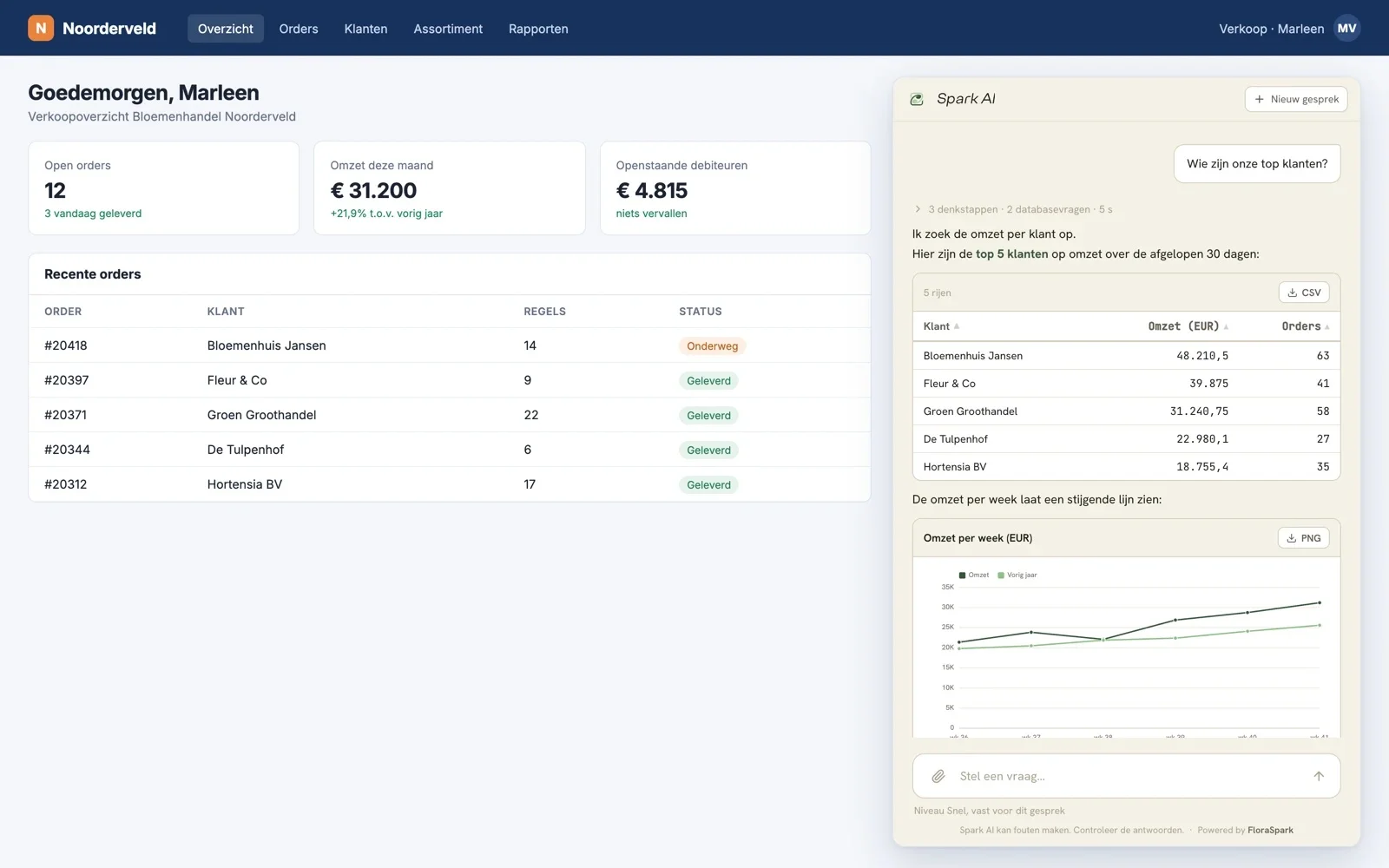
Where can you put it?
Anywhere your own people work, for example:
- In your own sales or order app. During a call, the sales rep sees right away what a customer bought this season.
- In your planning system. The planner asks which orders need to go out tomorrow, without waiting for a report.
- On a tablet in the greenhouse or warehouse. For example to check stock or today's orders.
- In a dashboard or tool you had built for yourselves.
Spark AI has access to all of your company data. So only place the window where just your own employees can reach it, and not on a public site or in a portal for customers.
It looks like your app
By default the window has the FloraSpark style, but you can easily match it to your own brand: colours, font, the name in the header, the welcome screen and the questions your colleagues see first.
Quick to build in
A developer does the work, or a coding agent such as Claude Code, Cursor or Lovable, following the guide step by step. You create a key in the Suite and the rest is described. The key stays safely on your own server and never ends up in the browser.
Want to try it first? The package includes a practice version with made-up answers, so you can see and test the window before connecting real data.
Good to know
- You stay in control. For each key you decide what Spark AI may show, for example purchasing only. Revoke the key and the window stops immediately.
- Administrators can see conversations. They appear in the Chatbot Monitor and are deleted after 90 days. Let your colleagues know that their questions are stored and can be viewed by administrators.
- It uses your AI credit, just like Spark AI in the Suite.
Want Spark AI in your own app? If it is not yet enabled for your organisation, get in touch and we will set it up for you.